
Getting Great Prints Results
Tips for ensuring a great print result
Now that you are ready to embark on the journey of turning your memories into a keepsake, follow this tips
to ensure the best print result for your images,
1. High resolution is key
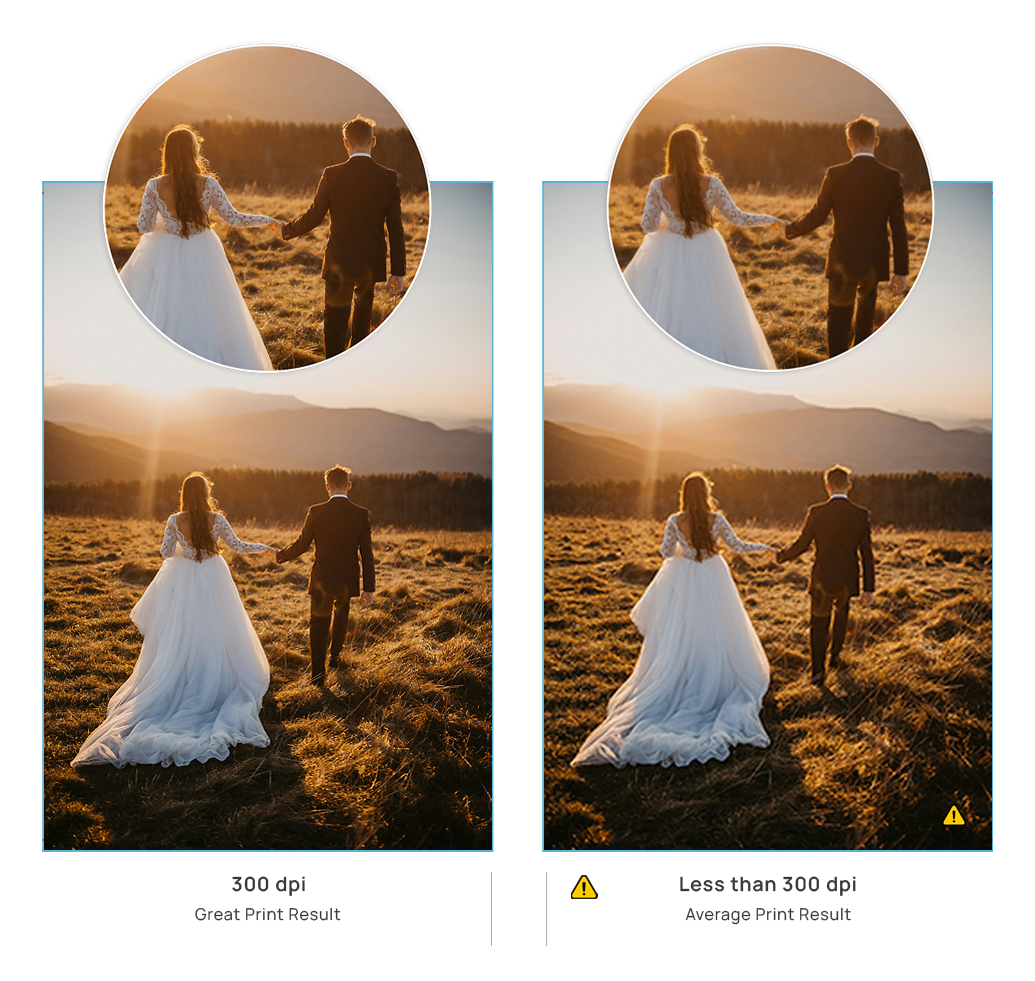
For the best print results, your images must be high in resolution or dots per inch (dpi). Aim for your images to be 300dpi or higher once added to an image placeholder. This is especially important if your image is in a full page or double-page layout. High resolution images produce a detailed reproduction of the image in print. If your image resolution is lower than 200dpi, try a smaller image frame, or you might wish to swap the image out with an image of a higher resolution. A low-resolution image will result in some level of pixelation in the final print.
To find out the dpi of an image: In EDA Online, the image quality is checked automatically. When the resolution of the image is lower than 300 dpi, a warning triangle will appear. Roll over it with your mouse to see the resolution of the image.
Tip: Sometimes sentimental value outweighs print quality. Don’t be deterred from printing low quality images if they’re important to you.
2. Zoom in on your images
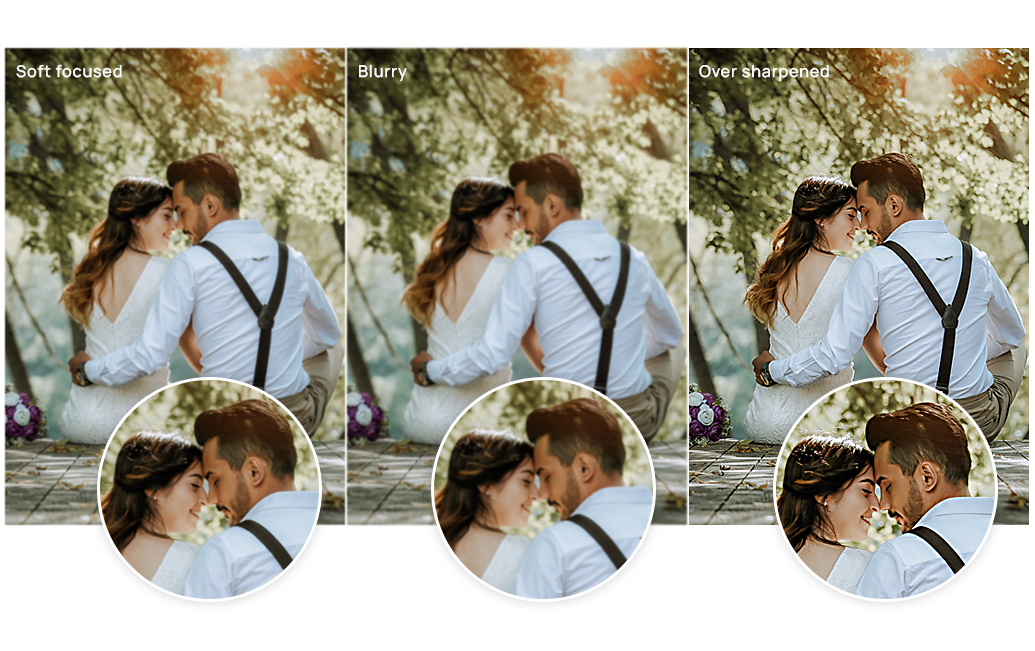
The best way to check for any quality issues in your image files is to do a visual check at an extreme zoom. Open your images on your computer and zoom in on them until you’re viewing them at 200% of their actual size. At this zoom you’ll notice any issues such as image blur, soft focus, a high level of image grain, pixelation, over-sharpening or anything else in the image that doesn’t look right.
Any issues visible at this zoom will be visible in print. Swap out any problem images or approach your photographer if edits to the image files are required. Our Online App will flag images under 300dpi, but cannot signal any other quality issues within your images.
3. Take care with black and white images

You may be surprised to learn that your black and white RGB images typically contain very little black and zero white, and are in fact printed in the same colors (Cyan, Magenta, Yellow, Black), that your color images are printed in. Be aware that any noticeable color tints (no matter how subtle), will be visible in print, and that any dark areas of your black and white images will print slightly darker. Extremely dark areas will lose detail unless lightened before uploading. Note that black and white images tend to have a visible grain especially if taken on film. This is not a defect, and is rather down to the style of photography. This grain will be emphasized in print, due to the digital print process. Once your order is placed, notify customer service of your black and white images so that our production team can pay extra attention to these during the printing process.


